
Guides
How to create a new Showreel in Voxpopme
You've analyzed your research and found the moments that tell the story, now you need a compiled video to share with stakeholders. We'll create a new Showreel where you can curate those key clips.
Step-by-step
-
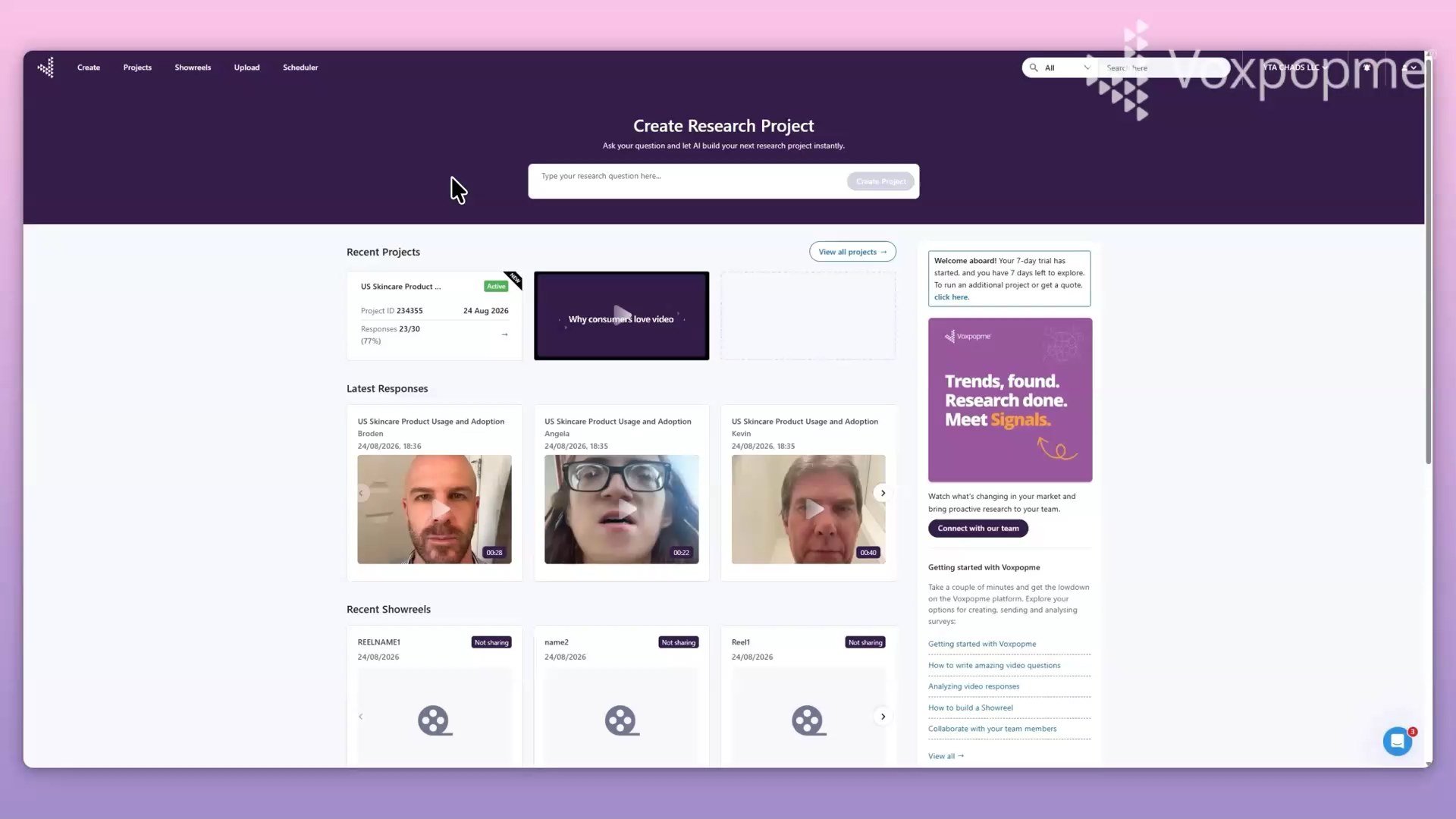
Navigate to the dashboard.
-
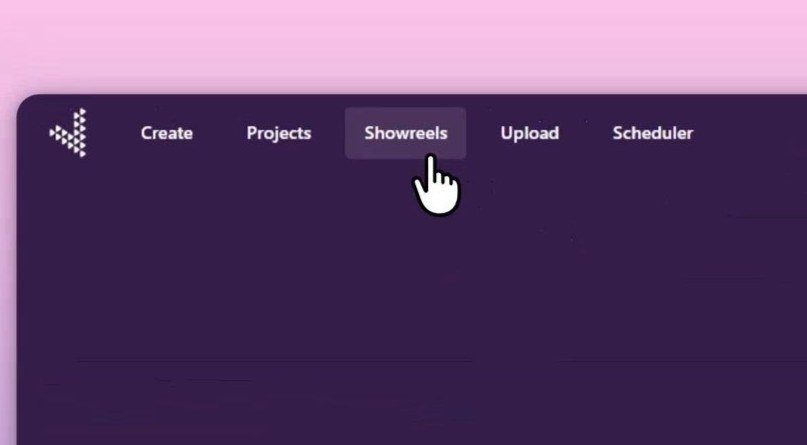
In the top left, click Showreels. The Showreels library opens, displaying all video compilations.
-
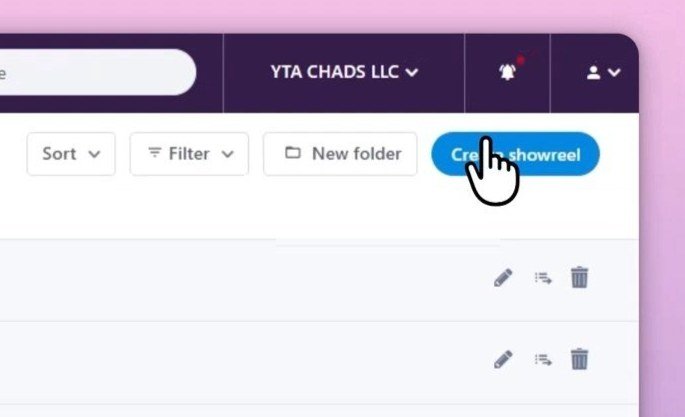
On the right, click Create showreel.
-
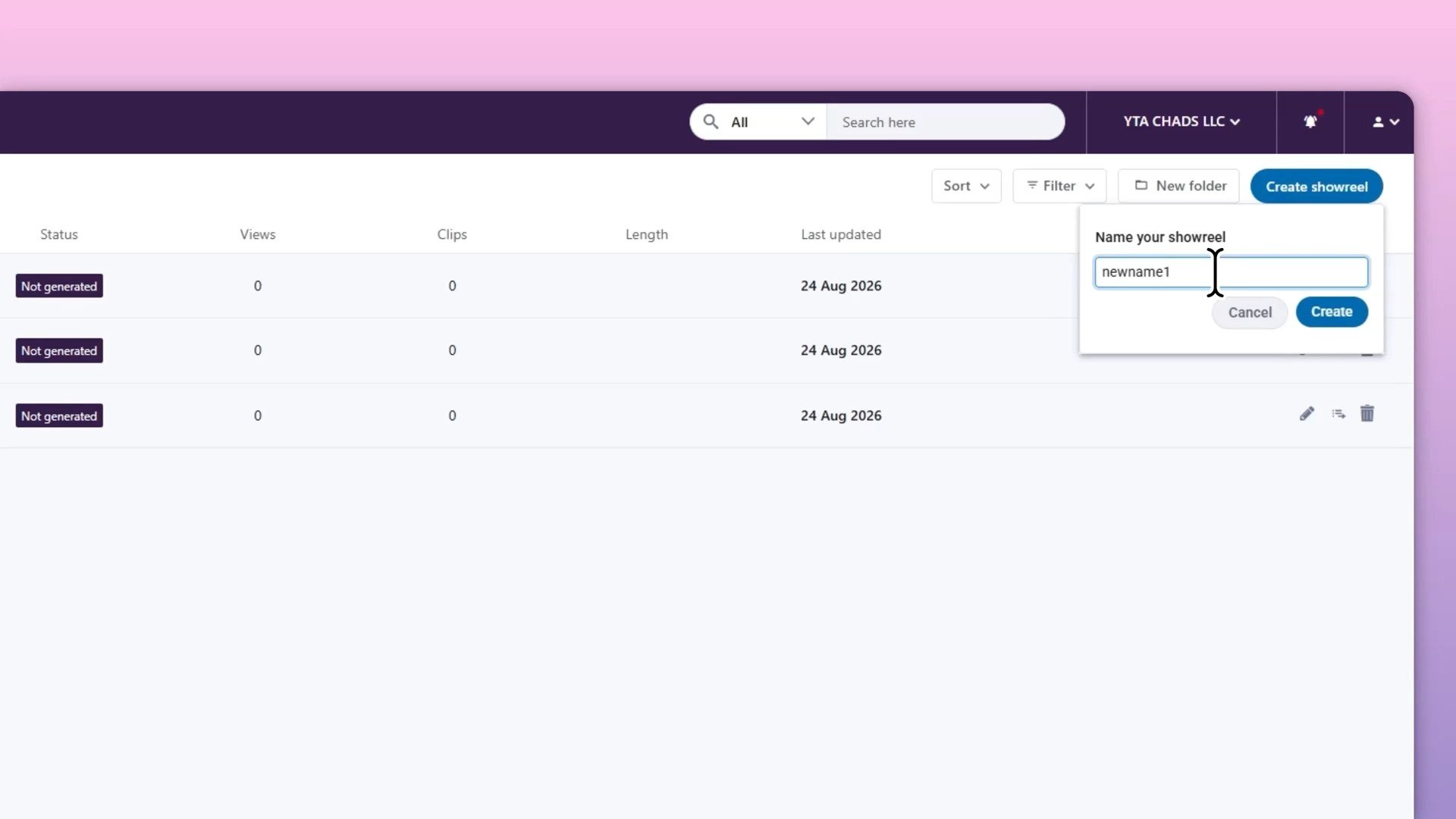
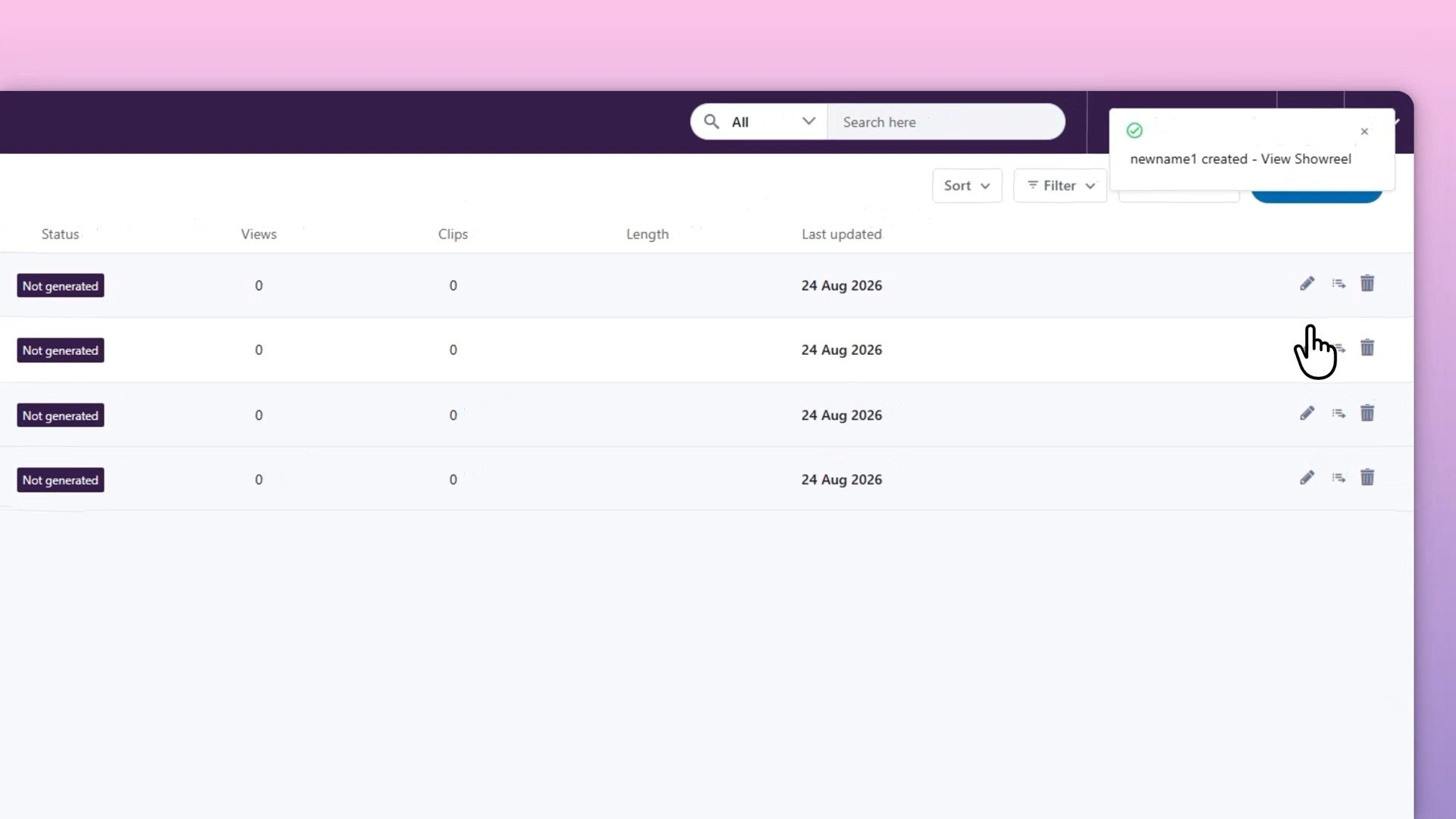
In the popup, enter a showreel name, then confirm. The showreel is created.
-
In the library, click the pen icon next to the showreel to edit it.
💡The Showreel itself is an empty container at this point. The editing step is where you'll pull in analyzed video moments from your studies, arrange them, and shape the narrative for your audience. Think of the name as the label stakeholders will see when you share the final cut, make it clear which research or business question this addresses.